POKA avatar logoPOKAv0.1

POKA Documentation

Client Portals and Sharing

Client-facing access layer for secure sharing of deliveries, briefcases, resources, and billing context.

Overview

Business operations hub for agencies, freelancers, and production teams.

  • Portal design includes :

    • Project-specific external entry points.
    • Invite-based client user onboarding.
    • Scoped resource visibility by client context.
  • Sharing controls include :

    • Link-based access with optional password.
    • Expiry and revocation controls.
    • Recipient-level scope for safer distribution.
  • Operational visibility includes :

    • Portal and share lifecycle tracking.
    • Client access event history.
    • Ownership accountability for active shares.
  • Governance practices include :

    • Periodic active-link review cadence.
    • Clear client offboarding access policy.
    • Portal naming standards by account and project.

Step-by-step Flow

https://poka.app/delivery/secure/7h3qv...

Generated and ready to share

Link sent to recipients

Define Portal Entry Point

Create a client portal entry point for the target project or account.

Step 1 of 8

Limits

Operational Constraints

  • Portal safety depends on correct scope design and disciplined ownership.
  • Link forwarding risk still exists if recipient controls are too broad.
  • Invite workflows require clean client contact mapping to avoid misrouted access.
  • Frequent project changes can cause stale shares without cleanup cadence.
  • Portal visibility does not replace legal approval or contractual sign-off mechanisms.
  • Teams should maintain explicit offboarding steps for completed projects.

Notes

Recommended Practices

  • Media agencies: Use one portal owner per client account to avoid duplicate or conflicting shares.
  • Freelancers: Keep portal structure simple with milestone-based resource groups.
  • Production houses: Segment review links from final delivery links to reduce confusion.
  • Client success teams: Run weekly active-share review and revoke stale access promptly.

Screenshots

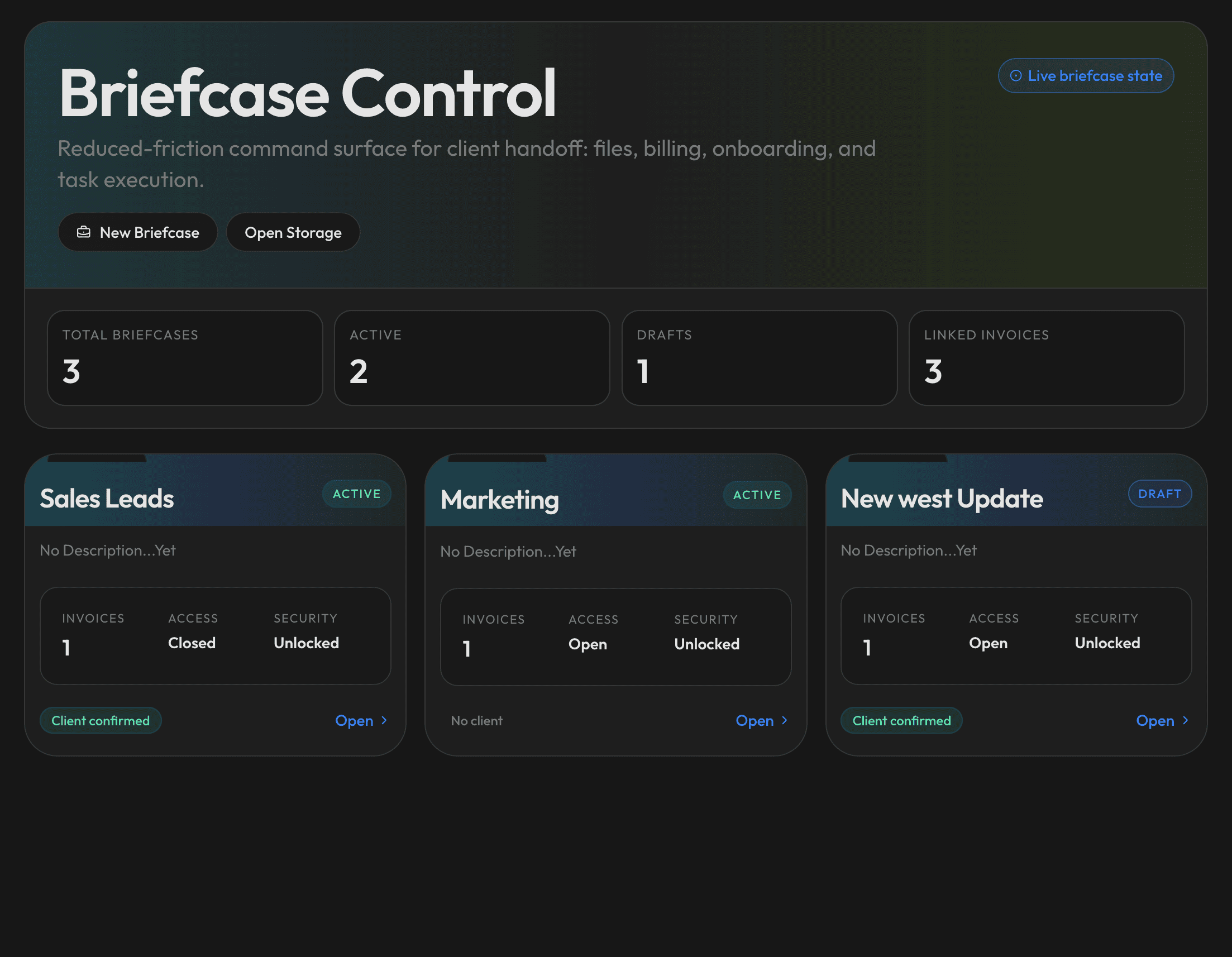
Client portal and sharing controls
Client portal setup and scoped sharing controls in POKA Bizz.

Workflow Diagram

Client Portals and SharingRoot
Portal Setup

Entry Point Definition

Create project or account-specific client entry paths.

Resource Scope

Select only approved resources for external visibility.

Client Mapping

Map invites to the correct client stakeholders.

Access Control

Invite and Link Modes

Choose onboarding mode based on security and speed needs.

Password and Expiry Rules

Protect sensitive resources with lifecycle controls.

Revocation Controls

Close or rotate access when membership changes.

Lifecycle Operations

Onboarding Validation

Confirm intended clients can access the right resources.

Activity Tracking

Monitor portal usage events and engagement state.

Archive and Offboard

Close inactive access paths at project completion.