
POKA Documentation
POKA Chat Overview
Realtime communication layer for project teams with delivery-state visibility, calls, and local encrypted history.
Overview
Realtime communication with delivery-state visibility and local encrypted history.
- POKA Chat enables direct peer-to-peer communication for active project execution.
- Per-peer threads keep conversation context focused and easy to track.
- Message lifecycle states include sending, sent, and delivered indicators.
- Presence and diagnostics signals help users understand responsiveness and connection quality.
- Audio and video calling allow quick escalation from text to live coordination.
- Safety number and QR verification reduce impersonation risk in sensitive discussions.
- Local encrypted history vault with optional passcode lock protects conversation access on device.
Step-by-step Flow
- 1Open a peer thread with your teammate or client counterpart.
- 2Share updates, approvals, and action items in structured message flow.
- 3Use delivery-state markers to confirm messages are reaching recipients.
- 4Monitor presence indicators to choose the right timing for escalation.
- 5Start audio/video call for urgent clarifications and decision alignment.
- 6Run identity verification in high-sensitivity conversations.
- 7Enable local history protection settings for shared or field devices.
- 8Review thread history for audit context and project continuity.
Limits
Operational Constraints
- Realtime behavior depends on network quality and signaling path reliability.
- Call features require user-granted microphone and camera permissions.
- Delivery markers indicate transport state, not business acceptance.
- Local history availability depends on device storage continuity.
- Passcode and local vault controls are device-scoped, not global account recovery.
- Identity verification requires participation from both sides of the conversation.
Notes
Recommended Practices
- Media agencies: Keep one thread per client decision stream to avoid context mixing.
- Freelancers: Confirm approvals in writing inside chat after each call.
- Production houses: Use call summary messages to lock final direction before next production stage.
- Security-sensitive teams: Enable passcode lock on shared edit bays and office systems.
Screenshots
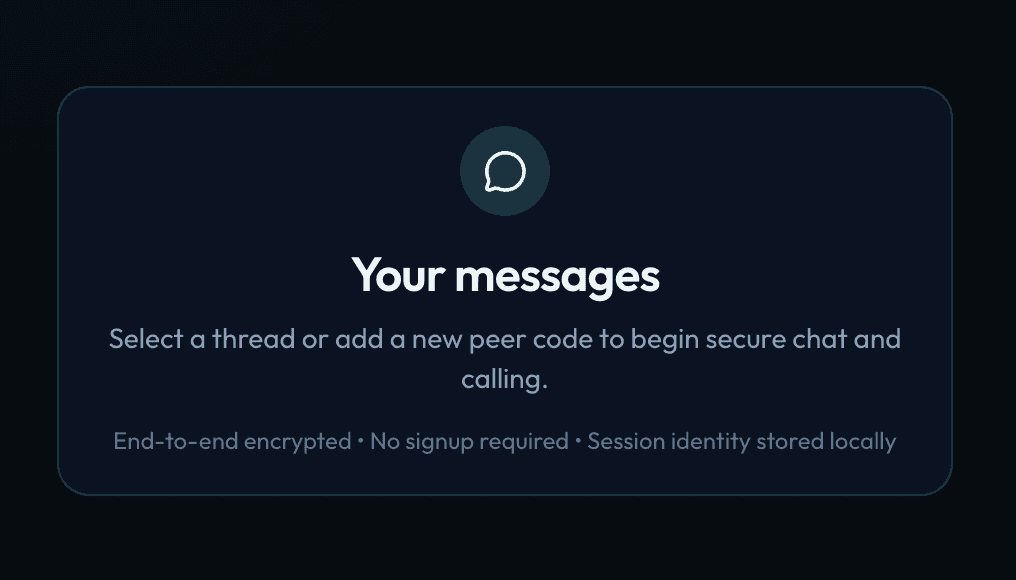
Workflow Diagram
Chat Interaction Flow
Open Thread->
Exchange Messages->
Track Delivery State->
Escalate to Call->
Verify Identity->
Secure Local History