
POKA Documentation
POKA Drop Overview
Secure room-based transfer workspace for fast handoffs with approval-aware access and session controls.
Overview
Secure, room-based peer transfer for fast handoffs and controlled access.
- POKA Drop is designed for direct file exchange where access needs to stay controlled and traceable.
- Transfers run inside rooms identified by short room codes for simple participant onboarding.
- Join flow supports approval-aware states so hosts can gate participant access when needed.
- Device-bound identity uses local key artifacts to preserve session trust context.
- Room file manifests and counters are persisted locally for responsive transfer experience.
- Room/session reset tools help teams recover from stale sessions or rotate device usage safely.
- Server-side ICE and TURN security logs support abuse control and anomaly monitoring.
Step-by-step Flow
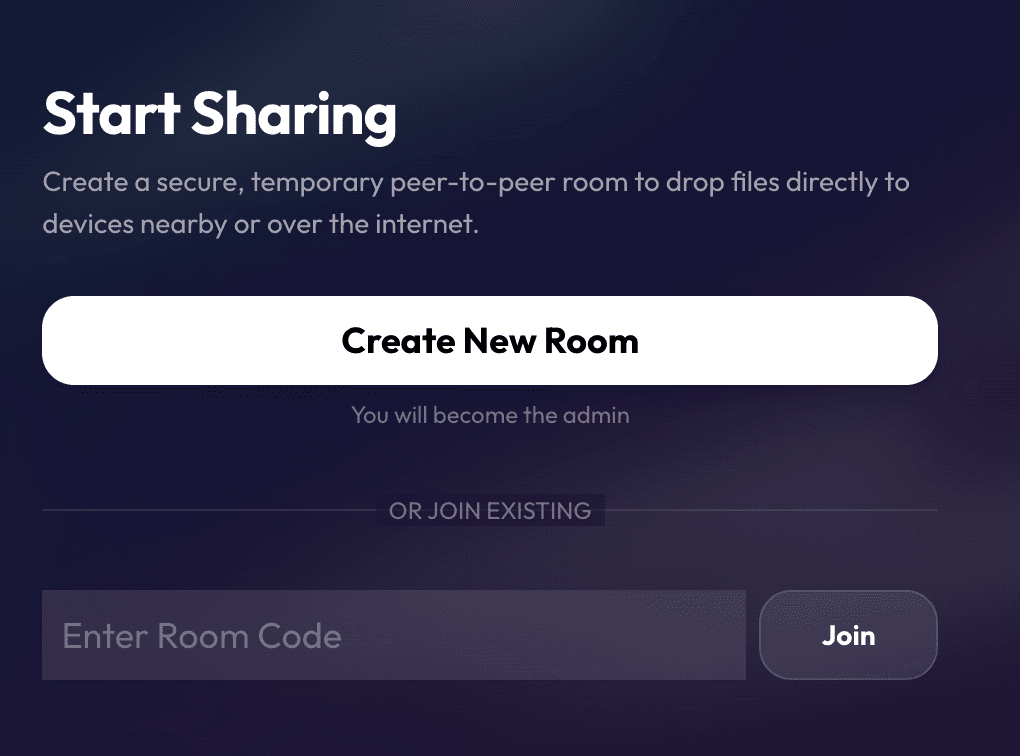
- 1Create a transfer room and set host-side expectations for participants.
- 2Share short room code with intended recipients only.
- 3Review join requests and approve participants where approval mode is enabled.
- 4Select files and publish transfer manifest to room.
- 5Monitor transfer state and confirm recipients receive required assets.
- 6Use room controls to pause, continue, or close active transfer session as needed.
- 7If identity or room state becomes stale, run reset and rejoin with a fresh session.
- 8Close room after completion and clear temporary operational context.
Limits
Operational Constraints
- Transfer quality remains dependent on peer connectivity and network stability.
- Local browser storage settings can affect room persistence behavior.
- Clearing local storage can remove room history and identity context.
- Cross-device continuity is limited because identity is device-bound by design.
- Approval mode can slow onboarding if host responsiveness is delayed.
- High-volume sessions should follow explicit room hygiene and closure practices.
Notes
Recommended Practices
- Media agencies: Use Drop for urgent client asset exchange when email attachments are too slow or risky.
- Freelancers: Keep one active room per delivery task to avoid mixing files across clients.
- Production houses: Assign a transfer coordinator on large shoots so room access decisions stay controlled.
- External collaborations: Share room codes only through trusted team channels.
Screenshots
Workflow Diagram
Drop Transfer Path
Create Room->
Share Code->
Join and Approve->
Transfer Files->
Confirm Receipt->
Session Close